

From Search to Taproom: A Brewery Website Checklist
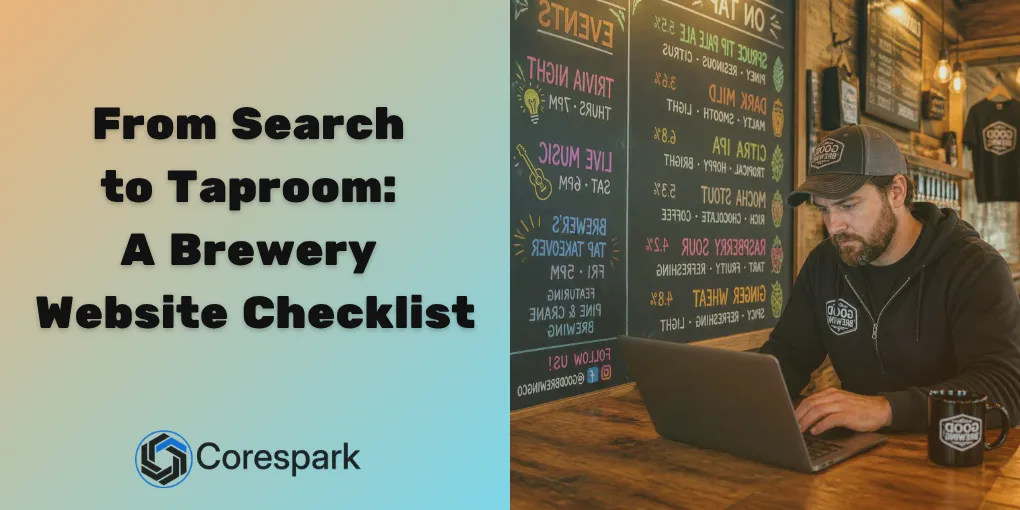
A brewery website has to do more than display a beer list. It should help someone decide whether to make the drive, give regulars accurate event details, and route online orders or wholesale questions to the right person.
That is a lot for a small taproom team to maintain. Breweries around West Jefferson, Elkin, Dobson, Galax, and the surrounding High Country communities often balance taproom service, food, live events, releases, merchandise, distribution, and online orders at the same time.
Key Takeaways
- Put the details a visitor needs before driving at the top of the website and profile.
- Treat events as a complete workflow, from discovery through reminders and follow-up.
- Show availability honestly instead of promising inventory the team cannot keep current.
- Review age verification, shipping, pickup, and fulfillment before enabling online alcohol sales.
What should a visitor see before driving to the taproom?
Someone planning a brewery visit usually needs key information first. Put current hours, holiday changes, directions, parking, food options, accessibility details, and the event calendar where a phone user can find them quickly.
The website and Google Business Profile should agree. If the profile says the taproom opens at noon but the website still shows last season’s hours, visitors have no reliable answer. Give one person ownership of updates and use a short checklist before each holiday, release, or special event.
The most useful first screen is not always the most artistic one. It should make the next decision easy: visit today, see what is happening this weekend, buy a product, or contact the brewery.
How can the website turn events into a repeatable workflow?
An event needs more than a date on a calendar. The customer should be able to understand the event, reserve a spot when needed, receive useful arrival information, and know what happens after booking.
A simple event workflow looks like this:
- Publish the event with date, time, location, cost, age information, and what guests should expect.
- Send a confirmation with parking, accessibility, food, and cancellation details.
- Send a reminder before the event, especially when the schedule or location differs from normal taproom hours.
- Give staff one place to see reservations, special requests, and capacity.
- Follow up with a thank-you, the next event, or an invitation to join the brewery’s list.
The tools can vary. The important part is the handoff between the website, booking system, email list, and staff calendar. If someone has to copy the same details into four places every time, the workflow is likely to break during a busy week.
How should a brewery handle menus and changing availability?
Beer changes. A release sells out, a keg runs low, a seasonal product returns, or a can moves from the taproom to a distributor. The website should make those changes easy to communicate without forcing the team to maintain a complicated live-inventory system.
Separate information into two groups:
- Must be current: hours, events, directions, booking links, and anything that could cause a wasted trip.
- Useful when current: tap lists, release notes, food menus, merchandise, and product availability.
If the brewery cannot update a detail reliably, write it in a way that stays honest. “Ask what is pouring today” is better than a stale list that visitors assume is complete. If inventory is connected to an online store, decide what happens when a product sells out before the system is updated.
What changes when a brewery sells alcohol online?
Online beverage sales add operational and compliance steps that a normal merchandise store may not have. Before launching, confirm age verification, permitted destinations, shipping or pickup rules, product information, payment flow, and fulfillment ownership.
The Alcohol and Tobacco Tax and Trade Bureau’s beverage-alcohol retail guidance is a useful federal starting point. Breweries should also confirm current North Carolina or Virginia requirements that apply to their license, products, and delivery model before publishing a checkout flow.
The customer experience should be clear, but clear design does not replace compliance review. Write down which orders staff can accept, who checks them, how exceptions are handled, and what the customer sees when an order cannot be fulfilled.
How do you protect a busy weekend?
Busy Saturdays expose weak points quickly. A point-of-sale terminal loses its connection, guest Wi-Fi interferes with business equipment, a new staff member cannot access the event list, or nobody knows who controls the domain.
Before a major weekend, review:
- Whether guest Wi-Fi is separated from business systems.
- Whether the point-of-sale system has a documented recovery process.
- Whether staff can update hours and events from a phone.
- Whether administrator accounts use individual logins and strong authentication.
- Whether website, domain, booking, and store credentials are documented.
- Who should be called when the network or payment system fails.
These are small controls, but they reduce the number of problems that land on the owner during service.
What should a brewery technology roadmap look like?
Start with the handoff that creates the most repeated work. That might be event registration, website updates, inventory communication, online orders, or wholesale inquiries.
In the first month, document the current process and remove outdated information. Over the next few months, connect the systems that staff already depend on. Before the next busy season, test the workflow with a real event, a sold-out product, and a network or device failure.
Corespark helps regional breweries plan the website, events, connected tools, hosting, and day-to-day technology behind the taproom. See our brewery and taproom technology support across NW NC and SW VA when you are ready to map the next improvement.
Need a technology partner in the Yadkin Valley?
Corespark helps local small businesses in NC and VA with tech strategy, web development, and more.
Talk to Corespark →More from the Corespark Blog

Fake CAPTCHA Scam: The ClickFix Windows+R Trap Explained
Fake CAPTCHA scams may tell you to press Windows+R, paste a command, and run it. Learn the ClickFix warning signs and wh...
Put Your Antique Shop on the Day-Trip Map
Help antique shoppers plan a stop with accurate hours, useful photos, clear categories, directions, and a website that r...

The Photography Website That Helps Couples Say Yes
A photography website should help clients compare services, see the right work, understand the process, and take the nex...