

How to Use ChatGPT for Your Small Business
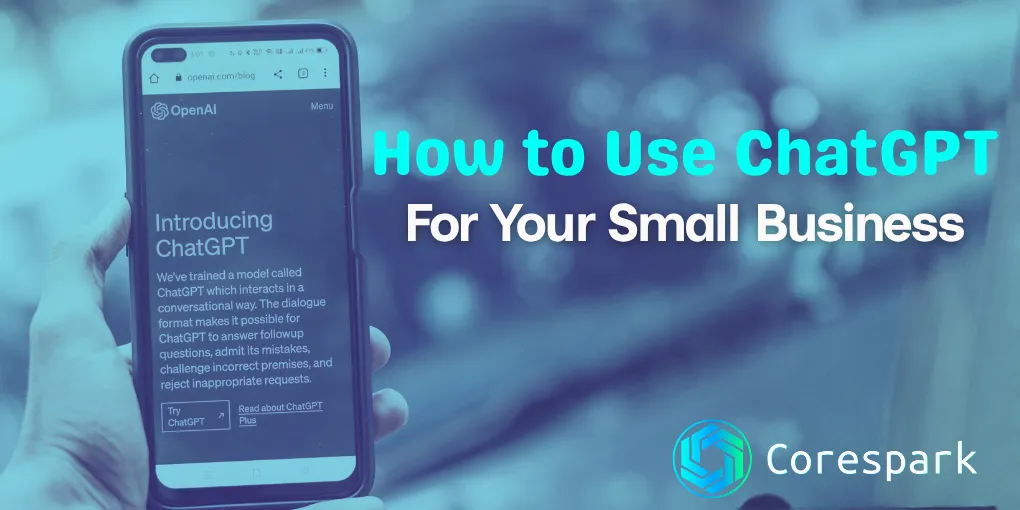
ChatGPT is an AI assistant that can help draft emails, answer routine questions, and organize busywork. It has a free option, but features, limits, and data controls can change, so check the current product terms before using it for business work.
That is the part most business owners care about. Not the hype. Not the debates. Just whether it can help you get through the day faster without creating more confusion.
If you run a small business, ChatGPT can be useful almost immediately. It can help you draft follow-up emails, turn rough notes into polished messages, brainstorm promotions, summarize documents, and organize ideas that are currently living in your head or scattered across sticky notes.
It is not magic, and it is not a replacement for judgment. But it is one of the fastest tools a business owner can start using without a big budget or a complicated setup.
Key Takeaways
- Use ChatGPT for drafts, summaries, ideas, and organization.
- Give it context, audience, tone, and format instead of a vague request.
- Review every output before sending or relying on it.
- Keep sensitive customer, financial, legal, and health information out unless the approved setup allows it.
What Is ChatGPT and Why Are Business Owners Talking About It?
ChatGPT is an AI assistant you interact with by typing questions or instructions into a chat box. You can ask it to explain something, write something, summarize something, or help you think through a problem.
Business owners are talking about it because it removes friction from everyday work. A blank-page task may become a first draft that a person can review and correct, but the time saved depends on the task and the quality of the instructions.
That matters when you are already carrying too many roles. For many owners, the real value is not “AI innovation.” It is getting time back.
What ChatGPT Actually Does (and What It Can’t Do)
At its best, ChatGPT helps with first drafts, summaries, idea generation, and organizing information. It is especially strong when the task is language-based.
It can:
- Draft customer emails
- Rewrite rough notes clearly
- Suggest social post ideas
- Summarize long reports
- Help create website FAQ copy
- Brainstorm offers, promotions, and service descriptions
It cannot:
- Know your business automatically
- Guarantee that every answer is correct
- Make legal, tax, or compliance decisions for you
- Replace the experience of someone who understands your customers
Think of it as a fast assistant who works from instructions. If you guide it well, it can save time. If you trust it blindly, it can create problems.
Step 1: Start with a ChatGPT account and a low-risk task
Go to ChatGPT, review the current plan and privacy controls, create an account if the setup fits your business, and start with a low-risk task. Once you are in, you will see a message box where you can type a question or request.
If you feel awkward at first, that is normal. Most people do. The easiest way to start is to treat it like emailing a helper. Tell it what you do, what you need, and what kind of output would help.
For example:
I own a heating and air company. Write a friendly follow-up email to a customer after a service visit and ask for a review.
That is enough to get a workable draft.
Step 2: Your First Five Practical Uses as a Business Owner
The best first use is not something complicated. Start with tasks you already do every week and would gladly do faster.
These five are where most owners see value right away.
Writing Customer Emails and Follow-Ups
ChatGPT is very good at taking a basic idea and turning it into a clean, professional email.
You can give it:
- The situation
- The tone you want
- The action you want the customer to take
Example prompt:
Write a short, professional email to a customer whose estimate is attached. Ask if they have questions and invite them to schedule the work this week.
That gives you a strong draft you can personalize in seconds instead of writing from scratch.
Drafting Social Media Posts and Google Business Profile Updates
Many owners know they should post more often, but the hard part is deciding what to say.
ChatGPT can help turn normal business activity into simple updates. If you repaired a roof, finished a website, hired a new team member, or are running a seasonal special, you can feed that information into ChatGPT and ask for three short post options.
It also works well for Google Business Profile updates, which helps if you are trying to stay visible in local search.
Summarizing Long Documents or Reports
If someone sends you a long contract, vendor proposal, technical report, or meeting notes, ChatGPT can summarize the main points in plain English.
That does not mean you should stop reading important documents. It means you can get the big picture faster and know what deserves closer attention.
Try:
Summarize this proposal in plain English. Tell me the cost, timeline, key deliverables, and any risks or vague language.
That can save a surprising amount of mental energy.
Answering Customer FAQs for Your Website
A lot of business websites are missing useful FAQ content because nobody has time to write it.
ChatGPT can help you list the questions customers ask most often and draft answers in a conversational tone. That gives you starting material for service pages, quote follow-ups, and your website.
You still need to make sure the answers are accurate. But it is much easier to edit a draft than to build a page from nothing.
Brainstorming Pricing, Promotions, or New Service Ideas
Sometimes the hardest part of marketing is simply getting unstuck. ChatGPT can act like a brainstorming partner when you need fresh angles.
You can ask for:
- Seasonal promotion ideas
- Bundled service ideas
- Follow-up campaigns for inactive customers
- Ways to explain a service more clearly
That is not a replacement for knowing your market. It is a way to generate options faster so you can choose the ideas that fit.
How to Write a Good Prompt (Without Feeling Silly About It)
A prompt is just the instruction you give the tool. You do not need special vocabulary. The best prompts are usually the clearest ones.
A simple structure works well:
- Say who you are
- Say what you need
- Say who it is for
- Say what tone or format you want
Example:
I run a small accounting firm. Write a friendly reminder email for clients who have not uploaded their tax documents yet. Keep it short and professional.
If the result is close but not right, keep going:
- Make it shorter
- Make it warmer
- Add a clearer call to action
- Rewrite this at a sixth-grade reading level
That back-and-forth is normal. You are not doing it wrong. You are training the draft to fit the situation.
What to Watch Out For: Hallucinations, Privacy, and Accuracy
The biggest mistake people make with ChatGPT is assuming confident wording means correct information.
Sometimes the tool will make up facts, misunderstand context, or present a weak answer in a polished tone. That is why business owners should use it as a drafting and thinking tool, not as the final source of truth.
A few simple rules go a long way:
- Do not paste in sensitive customer data unless you are sure your usage is appropriate
- Double-check anything involving money, law, contracts, HR, or compliance
- Treat outputs as drafts, not finished decisions
- Review the wording before sending it under your business name
Used this way, ChatGPT is helpful. Used carelessly, it creates rework.
When ChatGPT Isn’t Enough (And What to Do Next)
ChatGPT is excellent for one-off tasks and first drafts. It is not the same thing as a real business system.
If you start seeing repeated opportunities, like follow-up emails, review requests, lead responses, appointment reminders, or FAQ automation, the next step is not “ask ChatGPT harder.” The next step is process design.
That is where automation starts to matter. A properly designed workflow can take the useful ideas you are testing manually and turn them into repeatable systems that save time every week. That is the logic behind our post on three boring automations that will save your Yadkin Valley business hours every week.
If you are still figuring out whether AI belongs in your business at all, start small. Use it for one or two repeated tasks. Notice what saves time. Notice what still needs a human hand. That is usually enough to show whether you are ready for the next step.
If you want help turning those early wins into practical AI workflows, our AI Integration service starts with a diagnostic conversation about where the friction actually is.
Need a technology partner in the Yadkin Valley?
Corespark helps local small businesses in NC and VA with tech strategy, web development, and more.
Talk to Corespark →More from the Corespark Blog
PHP2Shell: What WordPress Site Owners Need to Know
PHP2Shell affects WordPress sites with unpatched PHP. Learn how Northwest NC and Southwest VA owners can check the PHP v...
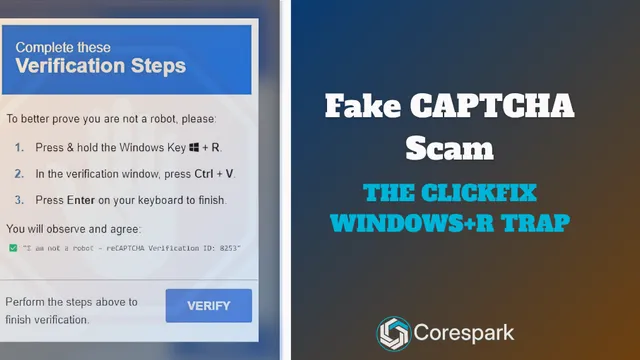
Fake CAPTCHA Scam: The ClickFix Windows+R Trap Explained
Fake CAPTCHA scams may tell you to press Windows+R, paste a command, and run it. Learn the ClickFix warning signs and wh...

Put Your Antique Shop on the Day-Trip Map
Help antique shoppers plan a stop with accurate hours, useful photos, clear categories, directions, and a website that r...